
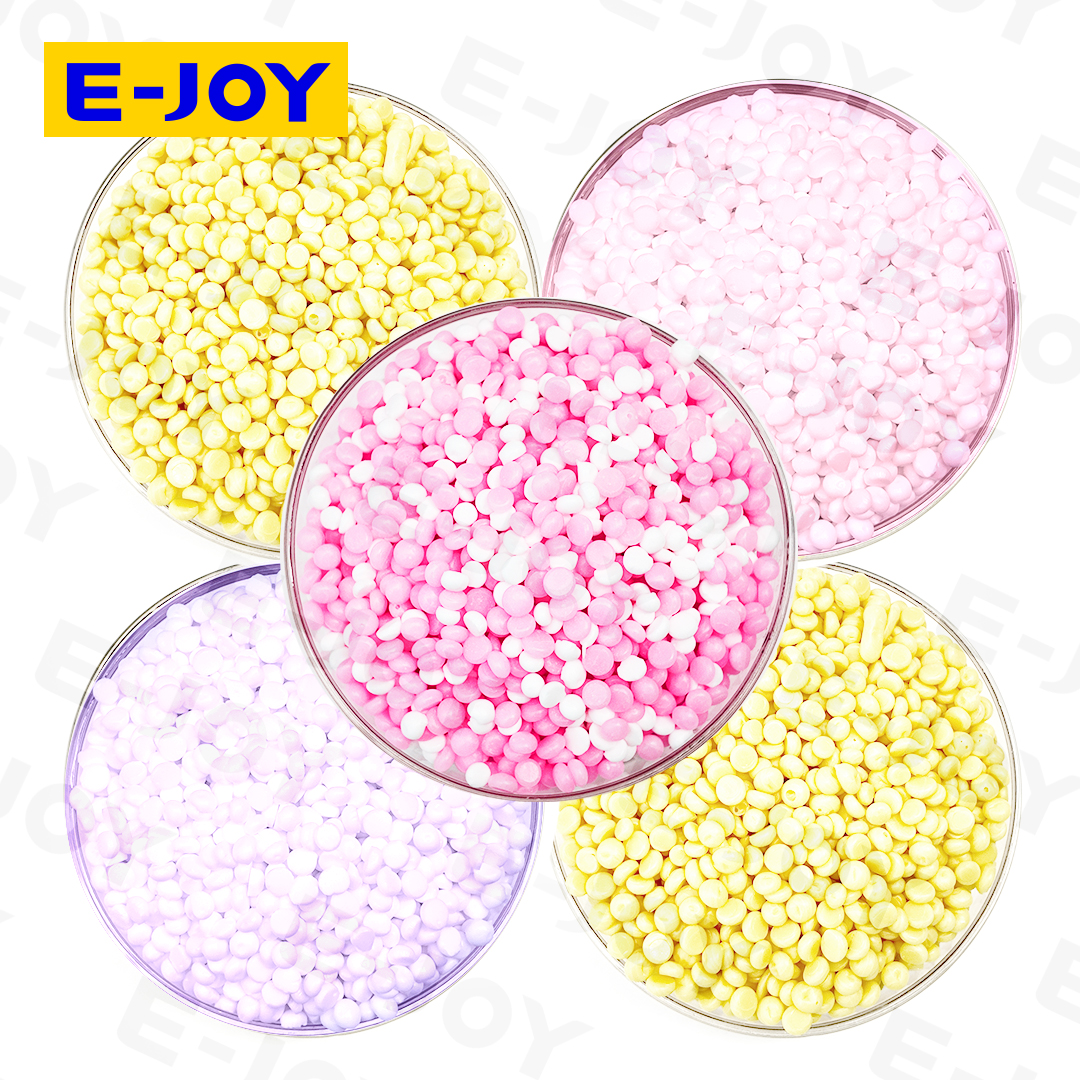
Scent booster OEM documentation helps buyers check what they order and what the factory ships. First, agree on the product details. Then, review the test files, labels and shipping records. The final file list depends on your product and sales market.
Plan the files before you place the order
First, list the files your buyer or importer needs. Next, agree on who will supply each file. Also, set a due date. This gives both teams a clear plan.
For private label orders, both sides have a role. The factory supplies the product data agreed in the order. Meanwhile, the buyer checks local needs with the importer. Together, they can spot gaps before the goods are shipped.
This guide is a starting point for buyers. However, one file list will not suit every market. Therefore, confirm the scope for your product and shipping route.
Scent Booster OEM Documentation: What to Request
First, split the files into clear groups. Product files describe the goods. In addition, batch records show checks on a specific lot. Finally, shipping files describe the goods being sent.
| File group | What to review | Main question |
|---|---|---|
| Product details | Code, scent, color and pack weight | Do they match the approved sample? |
| Safety files | Relevant safety data and product details | Do they cover the supplied product? |
| Test reports | Sample code, test method and results | What was tested and how? |
| Pack files | Label text, design and carton marks | Is this the approved print file? |
| Shipping files | Invoice, packing list and transport records | Do the shipment details agree? |
01. Put the Product Details in Writing
First, agree on a product specification. This is the written set of product details and limits. For example, it may list the scent, bead color and pack weight. Also, add the product code and formula version.
Next, link this file to the approved sample. Keep the sample code and sign-off date. Then, set clear pass limits for the agreed checks. Both teams should use the same version.
- Product name and code.
- Formula version and sample code.
- Scent, color and bead size.
- Pack type and net weight.
- Test methods and pass limits.
Clear codes help with repeat orders. For example, two scents may share a similar name. However, each needs a clear reference. This helps the factory select the right version.
02. Check Safety Files in Scent Booster OEM Documentation
Next, ask which safety files apply to your product. If a safety data sheet is needed, check its product reference. Also, review the date and supplier name. The file should cover the goods being supplied.
A scent oil file covers an ingredient. However, it does not by itself describe the finished beads. Therefore, ask which files apply to the finished product. Confirm their scope with the person handling the review.
Also, agree how changes will be handled. For example, a formula change may call for a file review. Then, confirm which documents need to be updated. Keep the current version with your order records.
Check what each file covers
A safety sheet and a test report serve different roles. Therefore, ask what each file shows. Also, check which product it covers. One file should not be treated as proof of every market need.
03. Read Test Reports and Batch Results
First, check the sample code on each test report. Then, review the test date, method and result. Also, confirm that the report relates to your chosen product. A report for a different sample may not answer your question.
Some tests support product development. For example, a storage study may track changes over time. In contrast, batch checks assess a specific production lot. Therefore, ask which records you will get for each order.
Your order may include a certificate of analysis, or COA. If so, agree on the results it will list. Also, check that it shows the correct batch code. The format should be clear to both teams.
Product claims also need support. For example, a scent claim should state the test conditions. These may include the wash cycle and drying method. Therefore, request the method as well as the result.
04. Approve the Label and Pack Files
First, review the label text and pack design. Check the brand name, product name and net weight. Then, review the use steps and warning text. Also, confirm the languages needed for your sales market.
The buyer should arrange the local review before printing. Meanwhile, the factory needs one final print file. Give that file a clear name and version. Then, record who approved it and when.
- Final label text and languages.
- Approved claims and related test files.
- Barcode number and print position.
- Batch-code format and position.
- Carton marks and units per carton.
Finally, agree how printed samples will be checked. Compare them with the approved file. Also, check that no old text remains. This helps catch errors before the packs are filled.
05. Match the Order and Shipping Files
Next, compare the order with the draft shipping files. Review the invoice and packing list together. For example, check the product names and carton counts. Also, compare weights where they appear.
The details should describe the same shipment. However, errors can occur when old forms are reused. Therefore, resolve any gaps before the final files are issued. Keep a record of the approved changes.
Some orders may need more files. For example, the buyer may request proof of origin. Also, an agreed inspection may produce a separate report. Confirm the full list with the importer and freight team.
For trade-term background, you can review the ICC Incoterms resources. Then, record the agreed term and named place in your order. Also, check that the quote uses the same terms.
06. Keep Scent Booster OEM Documentation Up to Date
Use clear codes across the file set. For example, link the product sheet to the sample code. Also, link batch results to the goods being shipped. This makes later checks easier.
Before a repeat order, review what has changed. The scent, pack or sales market may be different. Therefore, check which files need a fresh review. Then, approve the updates before production starts.
Set a Clear File Schedule
First, agree on the file list and any extra costs. Next, set dates for sample and label approval. Finally, leave time to review draft shipping files.
- Order review: agree on the files, costs and who will supply them.
- Production planning: approve the product details, sample and label.
- Shipment checks: review batch results and draft shipping files.
- Final records: keep the completed files with the order record.
Scent Booster OEM Documentation FAQ
Does one file set suit every export market?
No, the needs can differ. For example, your sales market may have its own review steps. Therefore, confirm the list for your product before you order.
Can I use a scent oil file for the finished beads?
Do not assume it covers the finished product. Instead, ask what the file describes. Then, confirm which finished-product files are needed.
Must each order have outside lab tests?
The test plan depends on the project and market needs. First, agree on which tests are required. Then, confirm the lab, sample plan, cost and due date.
What should I send with a file request?
First, share your sales country and product code. Also, include the pack type and order size. Finally, attach your buyer checklist and file deadlines.
Share Your Export File Checklist
Need scent booster OEM documentation for your brand? First, send your market and product brief through the E-JOY contact page. Also, attach the file list from your buyer or importer. Then, ask the team to confirm the scope, costs and timing.
You can also visit the E-JOY website or browse the E-JOY Alibaba storefront for product references. Then, include the relevant product link in your inquiry.